
CATEGORY REFERENCE

Mobile Wallet Built For Pakistan

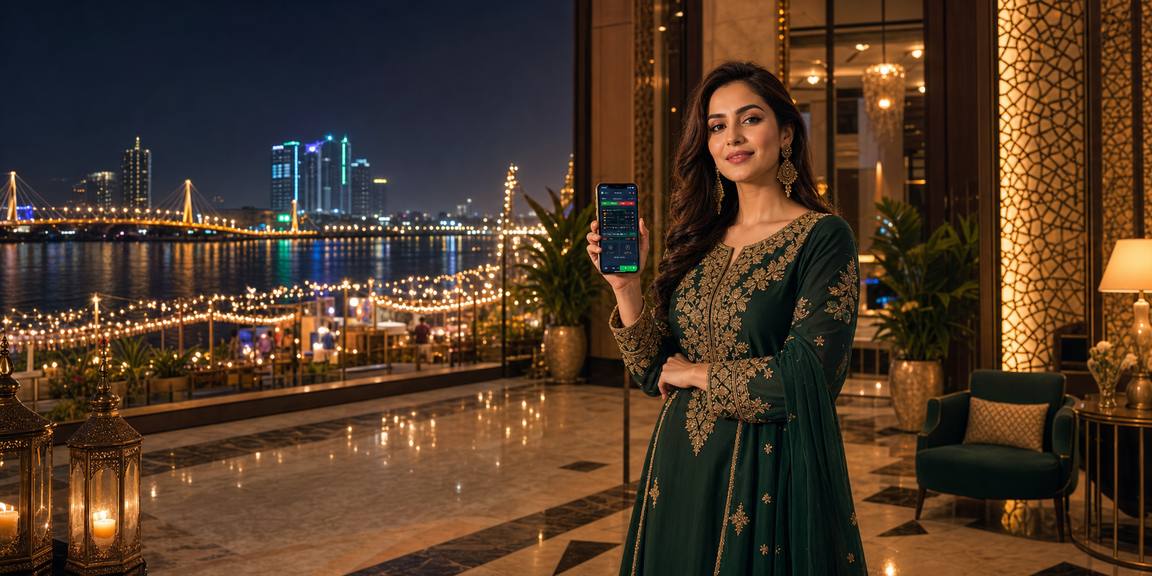
pk988 Mobile Wallet puts your JazzCash, Easypaisa, SadaPay, NayaPay and Raast account actions in one phone-ready wallet screen, with balances shown before you enter the lobby. Open your...

JazzCash readyEasypaisa flowSadaPay checksRaast transfers
pk988 Mobile Wallet Built For Pakistan
pk988 What Our Mobile Wallet Handles

What Our Mobile Wallet Handles

Our Mobile Wallet is the account centre for Pakistani phone payments on pk988. You can start a JazzCash or Easypaisa request, check SadaPay or NayaPay transfer details, and use Raast where supported regions allow it. The wallet keeps each request tied to your pk988 account ID, so our cashier team can match references without asking you to repeat the same detail again.


WALLET SPOTLIGHT

Wallet Areas We Keep Visible

We designed the Mobile Wallet as a short route, not a long form. The screen separates cash-in, cash-out and pending checks so you know which action is active. It also keeps wallet...

pk988 JazzCash and Easypaisa requests
Cash-in card

JazzCash and Easypaisa requests

Choose your wallet rail, enter the amount, and follow the account reference shown on screen. We...

pk988 Saved wallet receiver details
Cash-out card

Saved wallet receiver details

Your cash-out screen keeps receiver name and mobile number checks in one place. If details need...

pk988 Pending and completed actions
Status card

Pending and completed actions

Each Mobile Wallet action has a status label, amount and time marker. You can see whether...

POCKET FLOW

Using The Wallet On Phone

On Android and iPhone browsers, the pk988 Mobile Wallet keeps the amount field, reference detail and status panel within thumb reach. We reduce extra typing by keeping your recent wallet...

Thumb-friendly amounts
Reference copy button
Fast status refresh
Small-screen balance view
pk988 mobile gaming
Google Play App Store
LIVE HELP

Help While Using Mobile Wallet

Wallet questions usually need quick account matching, so our help routes ask for the exact detail that speeds up the check. Keep...

Reference check If your cash-in is not showing, send the...
Cash-out name match For cash-out checks, the receiver name and mobile...
Duplicate request help If you tapped twice or refreshed during a...
WALLET CHECKS

How We Run Wallet Checks

We handle Mobile Wallet activity through account-level matching, visible statuses and security prompts that protect your balance. Every cash-in or cash-out request is tied to your pk988 login, not a public chat...

Account-linked requests

A wallet action starts only after login, so the amount and wallet rail attach to your pk988 account. This helps our cashier desk avoid loose transfers that lack a clear account link.

No PIN requests

We never need your JazzCash, Easypaisa, SadaPay, NayaPay or bank app PIN. If a wallet check is needed, we ask for transaction detail, not private access codes.

Status labels

Pending, checking, completed and returned labels keep wallet actions easy to follow. The label changes only when our internal cashier record moves, so you can track progress from one screen.

Raast care

Raast transfers can need exact receiver detail and timing. Our Mobile Wallet keeps the reference field close to the request so our team can match the transfer more accurately.

Session checks

If your login session expires while the wallet is open, we ask you to re-enter your account before any new request. This keeps wallet actions tied to the right profile.

Clear records

Completed wallet actions remain visible in your account history with amount and timing. This gives you a simple record to compare against your own mobile wallet app.

WALLET MATCHUP

pk988 Wallet Compared With Others

A mobile wallet experience should reduce uncertainty. On pk988, we focus on showing the rail, amount, reference and status together instead of hiding wallet progress after you submit. This matters when you...

01

Single wallet screen

Some sites send you between cashier tabs and chat windows. We keep cash-in, cash-out and pending wallet actions on one screen, so you can see what is active.

02

Local rail labels

Our Mobile Wallet names Pakistani rails clearly, including JazzCash, Easypaisa, SadaPay, NayaPay and Raast. You do not need to guess which option matches your app.

03

Reference-led matching

Instead of asking for broad proof first, we match amount, timing and reference detail against the wallet request. That makes the conversation shorter when a transfer needs checking.

04

Balance near status

Your balance sits close to wallet status, so you can see when funds have moved before you enter a game area. It reduces unnecessary refreshes and repeated requests.

05

Phone-first layout

The wallet panel is built for small screens, with clear fields and simple status labels. You can complete the account action without pinching, zooming or hunting through menus.

06

Returned action clarity

If a wallet action is returned for correction, we show the reason where possible. You can fix receiver detail or amount mismatch before starting the next request.

07

Support sees context

When you contact us from a wallet issue, our team can view the linked request status. That reduces repeat questions and keeps the help path focused.

WALLET HIGHLIGHTS

Mobile Wallet Highlights At pk988

The pk988 Mobile Wallet is shaped around quick checks, local wallet names and clear request states. We keep it practical for Pakistan by showing the details you need...

Local wallet names JazzCash, Easypaisa, SadaPay, NayaPay and Raast appear as familiar choices...
Amount confirmation Before a request is sent, the wallet shows the amount...
Copyable reference Where a reference is needed, the wallet keeps it easy...
Cash-out review Cash-out requests show receiver detail before submission, including name and...
History view Your wallet history records completed and pending actions with amount...
Secure re-login For sensitive wallet actions, we may ask you to refresh...

Mobile Wallet Questions Answered

Our Mobile Wallet supports Pakistan-focused options such as JazzCash, Easypaisa, SadaPay, NayaPay and Raast where available. The exact rail shown to you can depend on account status and supported regions.

A pending label means the wallet action has not yet been matched or completed on our side. Check the amount, rail and time, then contact support with those details if it remains unchanged.

Refresh the Mobile Wallet screen first and check whether the earlier request is still active. Creating another request too quickly can cause duplicate records and slow down matching for your account.

No. pk988 support will never ask for wallet PINs, app passwords or private access codes. For a wallet check, we only need transfer detail linked to your account request.

Open the Mobile Wallet cash-out area and review the saved receiver name and mobile number before sending. If something is wrong, update it or ask support before starting the request.

Raast matching can rely on precise amount, time and receiver detail. Enter the information carefully in the Mobile Wallet and keep the reference visible until your pk988 balance updates.

Access depends on supported regions and where local law permits. If a wallet rail is not shown after login, use the options visible in your pk988 Mobile Wallet screen.